Tickets
Tickets give your members a private place to get help. You post a panel, a message with an Open ticket button. Each tap opens a private channel or thread that only that member and your support team can see.
The bot needs Manage Channels, and Create Private Threads for thread tickets. If it was added before tickets existed, add it again from Bot settings to grant them.
Create a panel
Open Tickets and press New panel. A panel has four parts.
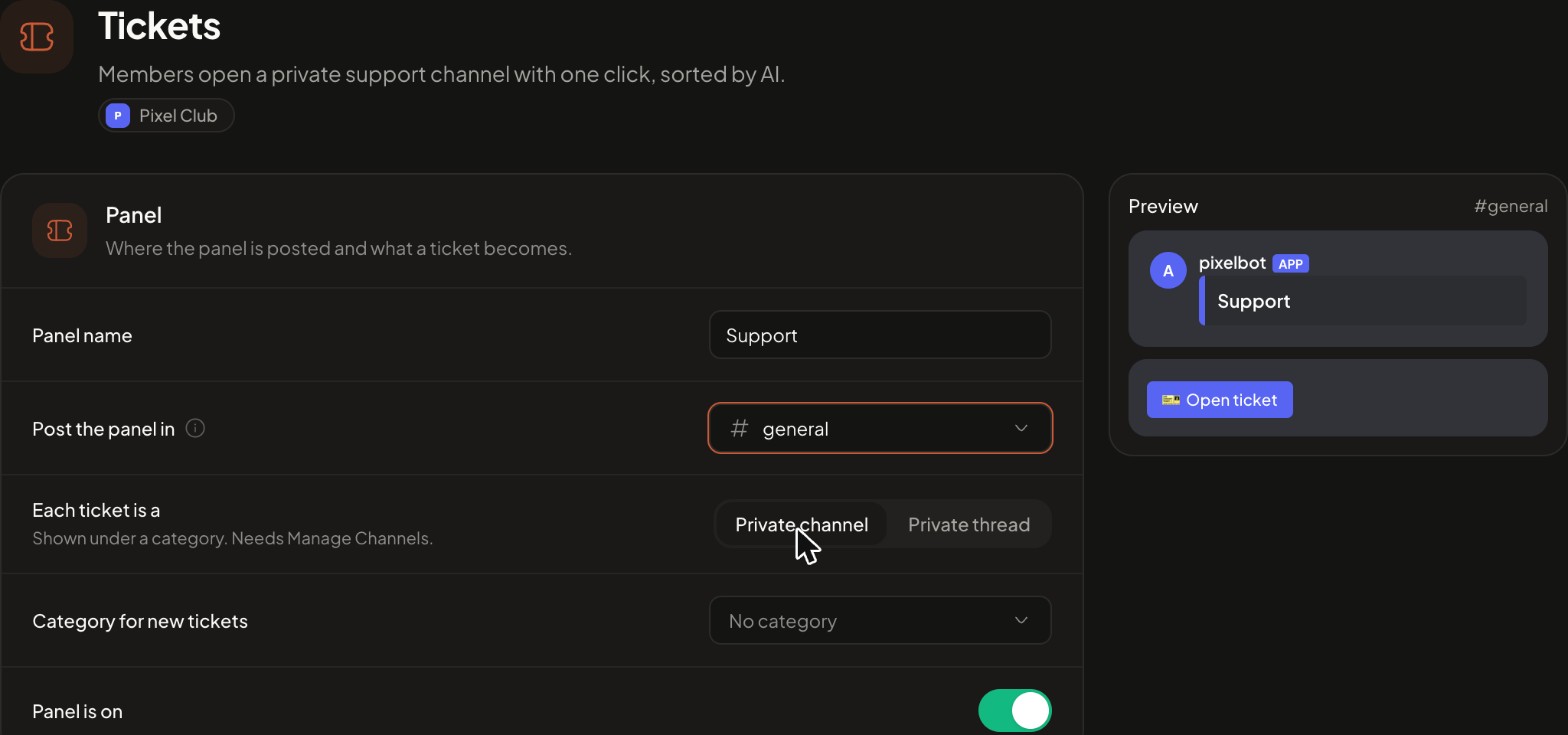
Panel
- Server and Panel name.
- Post the panel in: the channel where members see the button.
- Each ticket is a: a Private channel (shown under a category, needs Manage Channels) or a Private thread (lives inside the panel channel, needs Create Private Threads).
- Category for new tickets, for channel tickets.
Panel message
- The Panel message members read before opening a ticket.
- The Button text, Button emoji and Button colour (blurple, grey, green or red).
Support team
- Support roles: these roles see and answer every ticket from the panel.
- Transcript channel: when a ticket closes, a text transcript is posted here.
- Also send the transcript to the member by DM.
Inside a ticket
- Ticket name:
{number}becomes 0001, 0002 and so on, and{username}is the member's name. - Open tickets per member: how many a member can have at once.
- First message in a ticket.
{user}mentions the member who opened it. - Questions before opening: up to 5. Members answer them in a pop-up form, and the answers are posted inside the ticket.
- Let support claim tickets: adds a Claim button. Discord shows it to everyone in the ticket, including the member, so it is off by default.
- Close tickets after silence: a ticket with no messages for the time you pick is closed automatically, and the transcript is sent as usual.
- Ask the member for a rating after closing: the member gets a DM with 1 to 5 stars. Ratings show in the dashboard and are posted in the transcript channel.
Press Save panel, then Post panel.
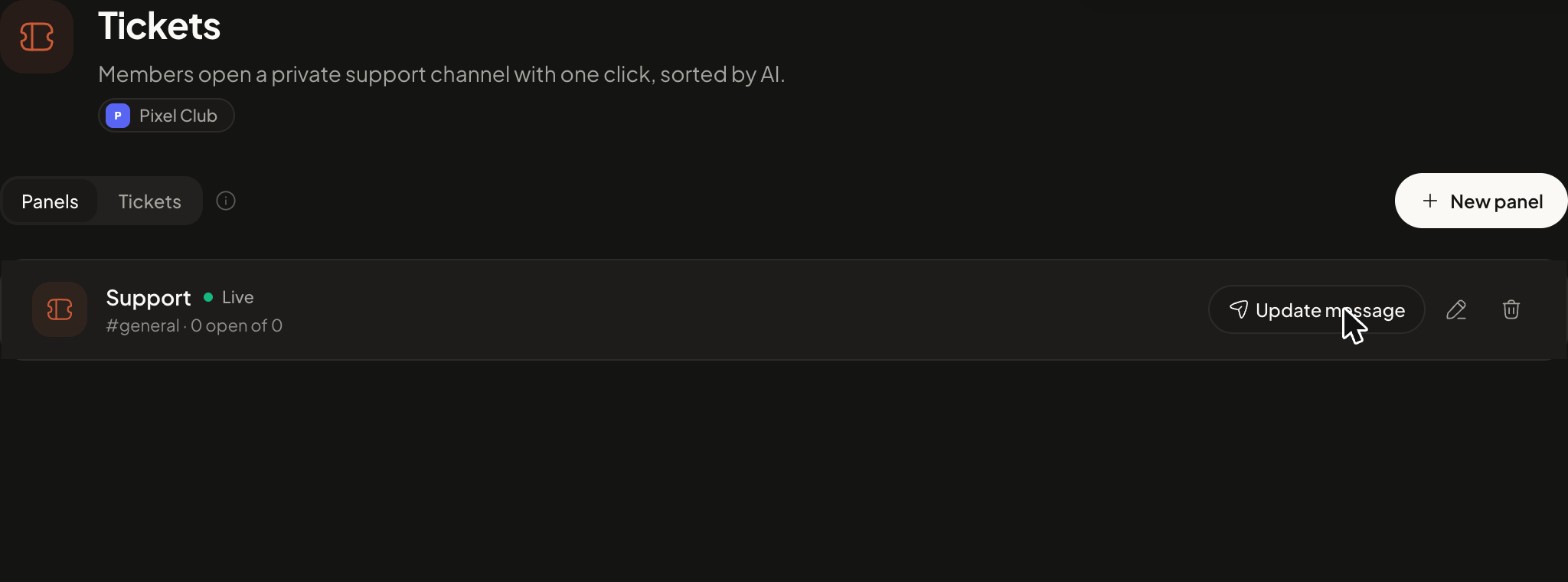
After later changes, press Update message. A panel can be switched off with Panel is on. Deleting a panel removes its message from Discord, but ticket channels already open stay in your server.
The Tickets tab
The Tickets tab lists every ticket with who opened it, the panel, the status (Open or Closed), who claimed it, the rating and when it opened. Filter by status.
Smart triage
Creator Pro and Creator Max.
Smart triage spots urgent, angry or risky tickets as soon as they open and sends them to the right people. Every message the bot posts is text you wrote. It never writes a reply of its own.
Choose what it watches for:
| Scenario | What it does |
|---|---|
| Urgent | Something is broken or time-critical: pings your escalation role and marks the ticket urgent. |
| Upset customer | Angry or frustrated: pings your escalation role so a person answers first. |
| Route by topic | Sends the ticket to the right team using the topics you define. |
| Saved answers | Posts one of your answers when it fully fits, with a "that solved it" button. |
| Ask for details | A bare "hi" or "help" gets your "tell us more" message. |
| Refunds and disputes | Refund, chargeback or legal threats are flagged for your team. |
| Account security | Hacked accounts and leaked logins are flagged. |
| Safety concerns | Self-harm, abuse or real-life threats are flagged for personal handling. |
| Scam or impersonation | Phishing, fake staff and trick requests are flagged. |
| Spam or tests | Ads, trolling and nonsense tickets are flagged. |
Set an Escalation role (pinged for urgent, upset, refund, security, safety and scam tickets) and an optional Alert channel that gets a copy of every notice with a link to the ticket.
How careful should it be? Choose Only when it is obvious, Balanced or Catch more, even if less sure. Catching more means more mistakes, and saved answers are only posted when it is very sure.
- Topics: name each topic, say what it covers in a few words and pick the team that handles it. That team is pinged and let into the ticket.
- Saved answers: write an answer with a title and hints for when it fits. The bot only picks which answer fits.
{user}mentions the member. - Message asking for more details: what a vague ticket gets.
- Close junk tickets automatically: only when it is very sure. Leave it off if a wrongly closed ticket would cost you a customer.
Triaged tickets get a tag in the list: Urgent, Upset, Answered, Needs details, Refund, Security, Safety, Scam or Junk.